
AML/CTF Starter Kit
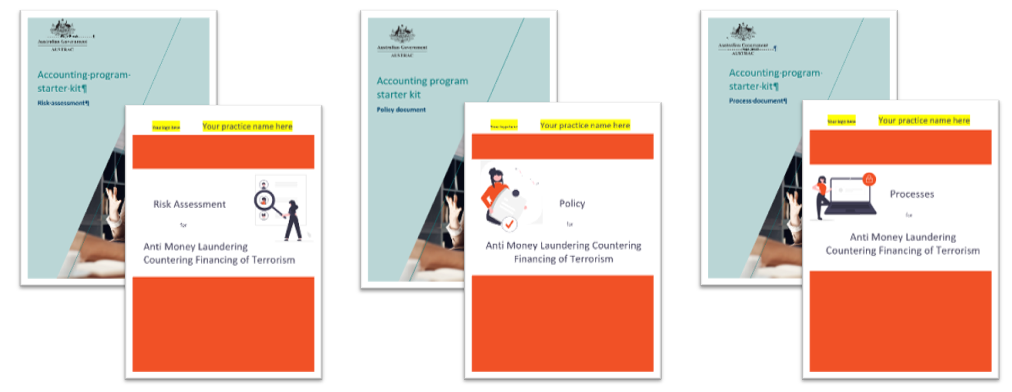
If you provide designated AML/CTF services you’ll need a program. AML/CTF compliance can feel overwhelming — but we're here to make it manageable. To start, follow the 3 steps below to get an AUSTRAC compliant program set up to go!
2Shakes Guide to Getting Set up for AML/CTF
First some preparation…
View the AML/CTF Program on a page diagram to get an overview of everything needed for AML/CTF.
Sign up: For a Free 2Shakes account and set up your profile so you are ready to store your program documents and create staff user accounts.

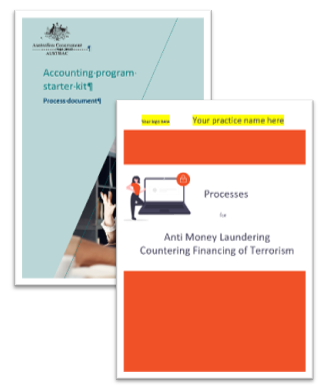
1. Next create your AML/CTF Policy, assign roles and register
Download & Brand: Download the Policy Template and update the header with your practice name/logo.
Roles and T&Cs. Add staff names to the AML/CTF Roles section. Review your standard T&Cs against the Terms and Conditions section.
Review, Approve & Upload. Read the entire Policy and update if needed. Send it to the person assigned the senior manager role for approval. Update version control section when approved and upload to AML documents.
Register with AUSTRAC and let them know who your compliance officer is, set up an Online account.
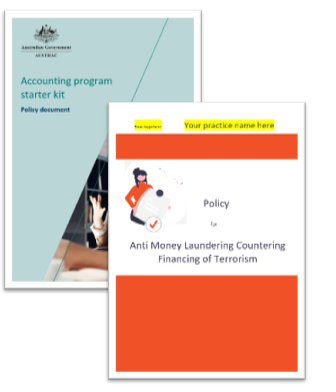
2. Then document your AML/CTF Risk Assessment
Download & Brand: Download the Risk template. Save & add your practice name/logo.
Designated services: Ensure the document correctly lists all designated services you offer.
Types of clients: Confirm the types of client entities you work with.
Countries: Include all countries your clients link to.
Review, Approve & Upload. Read the whole document and update as needed, get the document approved and store it in AML documents as per your Policy.
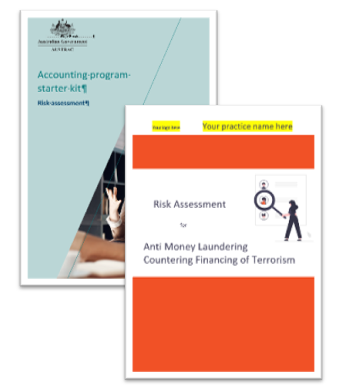
3. Set up AML/CTF Processes & do Personnel Due Diligence
Download & Brand: Download the Processes template. Save & add your practice name/logo as above.
Review, Approve & Upload: Read the whole document and update as needed, get the document approved and store it in AML documents as per your Policy and Risk Assessment.
Staff Vetting: Use 2Shakes to send a Biometric ID request to all staff in AML/CTF roles. When the results are received complete the AUSTRAC PDD form and store it in AML documents.
Program drafted? Great next step, Staff Training
Training Plan: Use your own training system or click to download our free AML/CTF Training Template. On the plan tab we have included links to AUSTRAC free training resources, as well as 2Shakes online AML free Support and How To Guide.
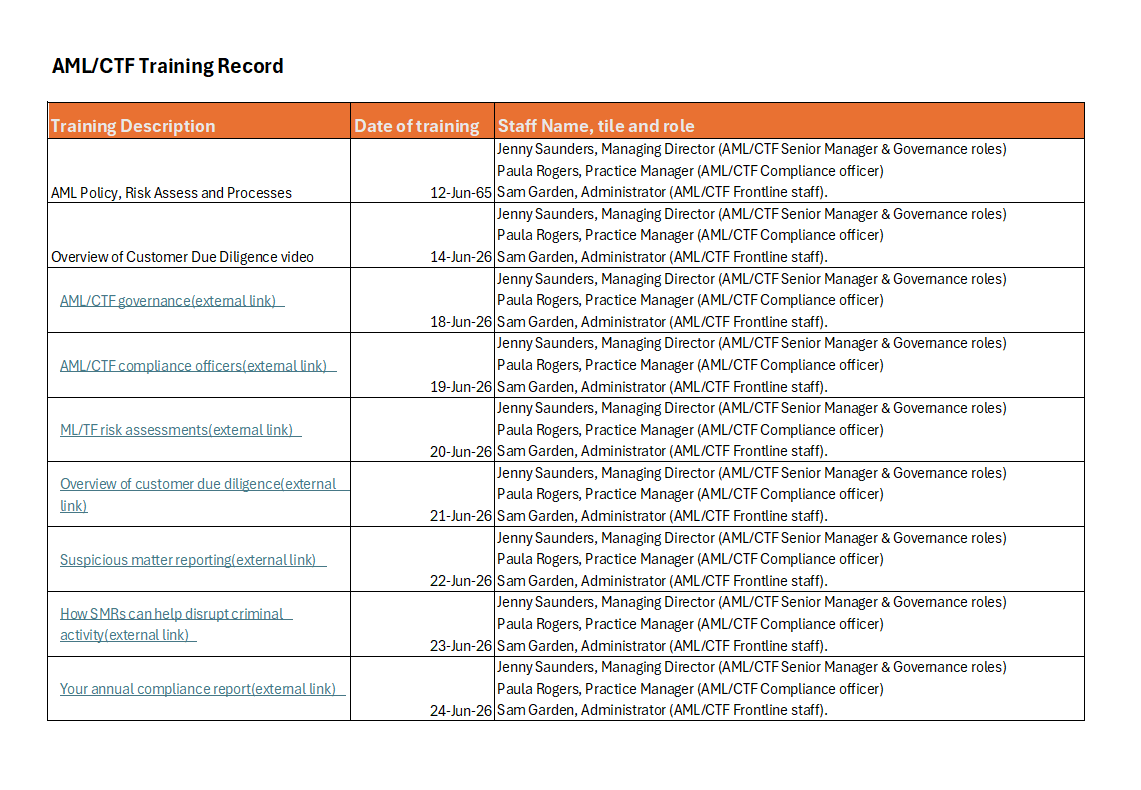
Record training: Our template contains a tab for you to record each time a staff member completes training. You can upload a record of all training into AML documents.
More Help
Need more help? You can find lots more support and how-to guides on our AML Support Page.
Or you can Contact us or email us at support@2shakes.com.au and we can help you with what you need to know.